How to Protect Your Crypto from Phishing: 2026 Security Guide
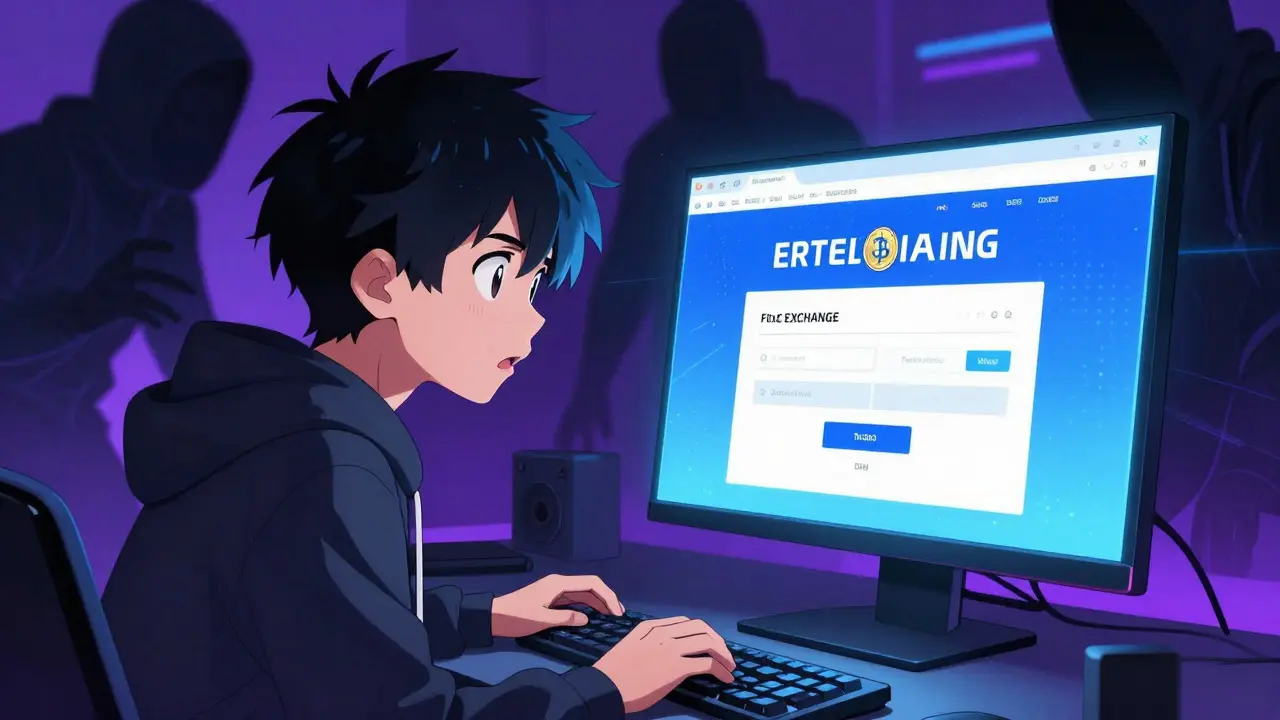
Over $1.2 billion lost to phishing scams in 2025 alone, according to blockchain analytics firms. That's a 40% jump from the previous year. If you hold cryptocurrency, this isn't just a risk-it's a reality you need to prepare for. Scammers create fake exchange login pages, impersonate customer support, or send emails pretending to be from wallet providers. Their goal? Steal your seed phrases, private keys, or login credentials. This guide covers essential cryptocurrency phishing protection strategies to keep your assets safe.
Understanding the Threat: Current Phishing Landscape for Crypto
Phishing attacks against cryptocurrency users hit record levels in 2025. Blockchain analytics firm Chainalysis reported over $1.2 billion in losses from phishing scams alone last year-a 40% increase from 2024. These attacks aren't random; they're highly targeted. Scammers create convincing fake websites that mimic exchanges like Binance or Coinbase, send emails that look like they're from wallet providers, or even impersonate customer support on social media.
The real danger? Once you enter your seed phrase or private key on a fake site, your entire crypto stash is gone. Unlike traditional bank accounts, there's no way to reverse these transactions. Your funds disappear forever into the blockchain void. And it's getting worse. Netcraft's latest report shows criminals now using AI to create hyper-realistic deepfakes and personalized messages that trick even careful users.
Hardware Wallets: Your Offline Security Shield
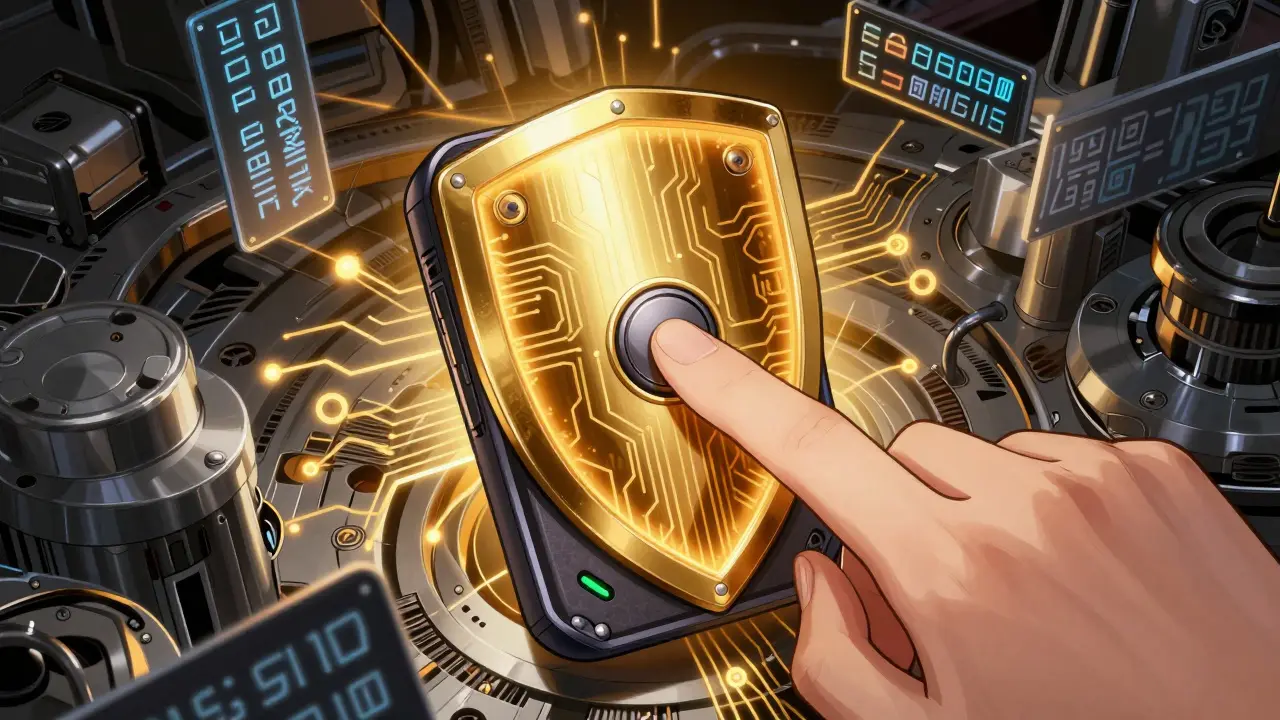
When it comes to protecting crypto from phishing, Hardware wallets are the gold standard. Devices like OneKey store your private keys offline, completely isolated from internet-connected devices. This means even if you accidentally visit a phishing site, your seed phrase never leaves the hardware wallet. The device only signs transactions when you physically press a button, making it impossible for remote attackers to access your keys.
Why does this matter? In 2025, a Crypto Security Alliance study found organizations using hardware wallets reduced phishing-related losses by 92% compared to those relying on software wallets. For everyday users, this isn't just theoretical-it's practical. A $50 hardware wallet can save you millions. Just remember: never plug it into untrusted computers, and always verify the device's authenticity before first use.
Multi-Factor Authentication: The First Line of Defense
Multi-factor authentication (MFA) is your first real barrier against phishing. Keepnet Labs and Security.org both confirm MFA blocks 99% of phishing-related account compromises. Here's how it works: even if scammers steal your password, they still need a second verification step-like a code from an authenticator app or a physical security key. This extra layer makes it nearly impossible for attackers to access your accounts.
For cryptocurrency, use authenticator apps like Google Authenticator or Authy instead of SMS-based codes. SMS can be intercepted via SIM swapping. Many exchanges now support passkeys, which are phishing-resistant biometric logins that replace passwords entirely. Set up MFA on every crypto-related account, including exchanges, wallet services, and even your email.
Browser and Email Protections: Stopping Phishes Before They Click
Your browser and email are common entry points for phishing. Anti-phishing browser extensions detect 95% of malicious sites in real time, according to Barracuda Networks research. Tools like Bitdefender TrafficLight or NordVPN's SafeBrowse block dangerous URLs before you even click. These extensions work silently in the background, alerting you to fake exchanges or wallet sites.
Email security matters too. DMARC email authentication cuts spoofing by 96% in tested organizations. This protocol ensures only legitimate emails from your exchange or wallet provider reach your inbox. Pair this with email filtering tools that flag suspicious messages. For example, Gmail's built-in phishing protection blocks 99.9% of attempts before they reach users. Always check email addresses carefully-scammers often use similar domains like "coinbase-support.com" instead of "coinbase.com".
Building a Security Mindset: Training and Best Practices
Technology alone isn't enough. Human error is still the biggest vulnerability. Companies with regular phishing training programs see 46 times fewer malware infections than those without structured awareness. Monthly phishing simulations reduced click rates from 34% to just 4.6% within a year, according to Keepnet Labs data. This isn't just for businesses-individuals benefit too.
Here's a simple routine: bookmark official exchange and wallet URLs, and never click links in emails. Always type the address directly into your browser. Use separate email addresses for crypto activities. Enable transaction delays for large transfers-this gives you time to verify the details. Most importantly, never share your seed phrase with anyone. Legitimate support teams will never ask for it.
Common Mistakes That Leave You Vulnerable
Even experienced users fall into traps. Here are the biggest mistakes that make you an easy target:
- Sharing seed phrases-this is the #1 way people lose crypto. No legitimate service will ever ask for it.
- Reusing passwords across exchanges and wallets. If one account gets compromised, all do.
- Clicking links in emails or DMs without checking the URL. Scammers often use "bitco.in" instead of "bitcoin.com".
- Using SMS for two-factor authentication. SIM swapping attacks can bypass SMS codes.
- Storing seed phrases digitally (like screenshots or cloud storage). If your device is hacked, they're gone.
Fixing these mistakes takes minutes but prevents years of regret. Always verify URLs manually. Use a password manager to generate and store unique passwords. Store seed phrases on a physical medium like metal, and keep it locked away.
Frequently Asked Questions
What is the most effective way to protect crypto from phishing?
The most effective strategy is a layered approach: use a hardware wallet for significant holdings, enable multi-factor authentication with an authenticator app (not SMS), install anti-phishing browser extensions, and never share your seed phrase. Combine these with regular security awareness training to stay ahead of evolving scams.
Should I use a hardware wallet?
Yes, for any meaningful amount of crypto. Hardware wallets like Ledger or Trezor store private keys offline, making them immune to online phishing attempts. Software wallets connected to the internet are vulnerable to malware and fake sites. A hardware wallet costs $50-$200 but saves you from losing everything. Just remember to buy from official sources to avoid counterfeit devices.
How does multi-factor authentication prevent phishing?
MFA adds a second verification step beyond your password. Even if scammers steal your password, they can't access your account without the second factor-like a code from an authenticator app or a physical security key. This blocks 99% of phishing attacks, according to industry research. For crypto, avoid SMS-based MFA; use apps like Google Authenticator or hardware keys like YubiKey for maximum security.
What are common phishing scams targeting crypto users?
Common scams include fake exchange login pages, impersonated customer support on social media, "recovery service" scams claiming to help you retrieve lost funds, and phishing emails that look like transaction confirmations. Scammers also use Telegram bots and fake airdrop offers. Always double-check URLs and never enter your seed phrase anywhere-legitimate services never ask for it.
Can I trust email links from exchanges?
Never trust email links. Even if the email looks legitimate, scammers can spoof sender addresses. Always type the exchange's official URL directly into your browser. Check the URL for misspellings-like "binancee.com" instead of "binance.com". Enable DMARC email authentication on your domain if you manage one, as it reduces spoofing by 96% according to Keepnet Labs.
Michael Sullivan
February 8, 2026 AT 06:54Hardware wallets are the only way. 💰🔥
Reda Adaou
February 9, 2026 AT 06:40Hardware wallets are great, but don't forget about MFA. It's easy to set up and blocks most phishing attempts. A must-have for any crypto user. 💯
Alisha Arora
February 9, 2026 AT 19:04Most people don't even know what a hardware wallet is.
They just leave their crypto on exchanges.
That's why they get scammed.
But it's not just about hardware wallets.
You need multi-factor authentication too.
SMS-based MFA is useless because of SIM swapping.
Use an authenticator app instead.
Also, never click links in emails.
Always type the URL manually.
And don't store your seed phrase digitally.
Use a metal plate.
But honestly, most people won't do any of this.
They'll just keep their crypto on Binance and hope for the best.
It's pathetic.
You think you're safe but you're not.
Phishing is getting worse every year.
AI is making it harder to spot fake sites.
And yet people still click on links.
It's like they want to get scammed.
It's not rocket science.
Just take a few minutes to set it up.
But most people won't.
They'll say they don't have time.
Losing all your money is worse than taking 5 minutes.
So please, just do it.
Your future self will thank you.
perry jody
February 10, 2026 AT 15:50Yes! MFA is crucial. I use Google Authenticator and it's super simple. Everyone should do it. 🚀
Mrs. Miller
February 11, 2026 AT 19:37Hardware wallets? Sure, but only if you can afford to lose the device. Most people just forget where they put it. Classic security theater. 😂
sachin bunny
February 12, 2026 AT 11:11Exactly! The government is behind all phishing scams. They want us to lose crypto so they can take control. 💡
Kyle Pearce-O'Brien
February 13, 2026 AT 03:25MFA? How quaint. Real security is about decentralized identity protocols. Anything else is just playing with fire. 🔥
Matthew Ryan
February 13, 2026 AT 18:27Using a combination of tools is key. Hardware wallet, MFA, and being cautious. No single solution works alone. 🤔